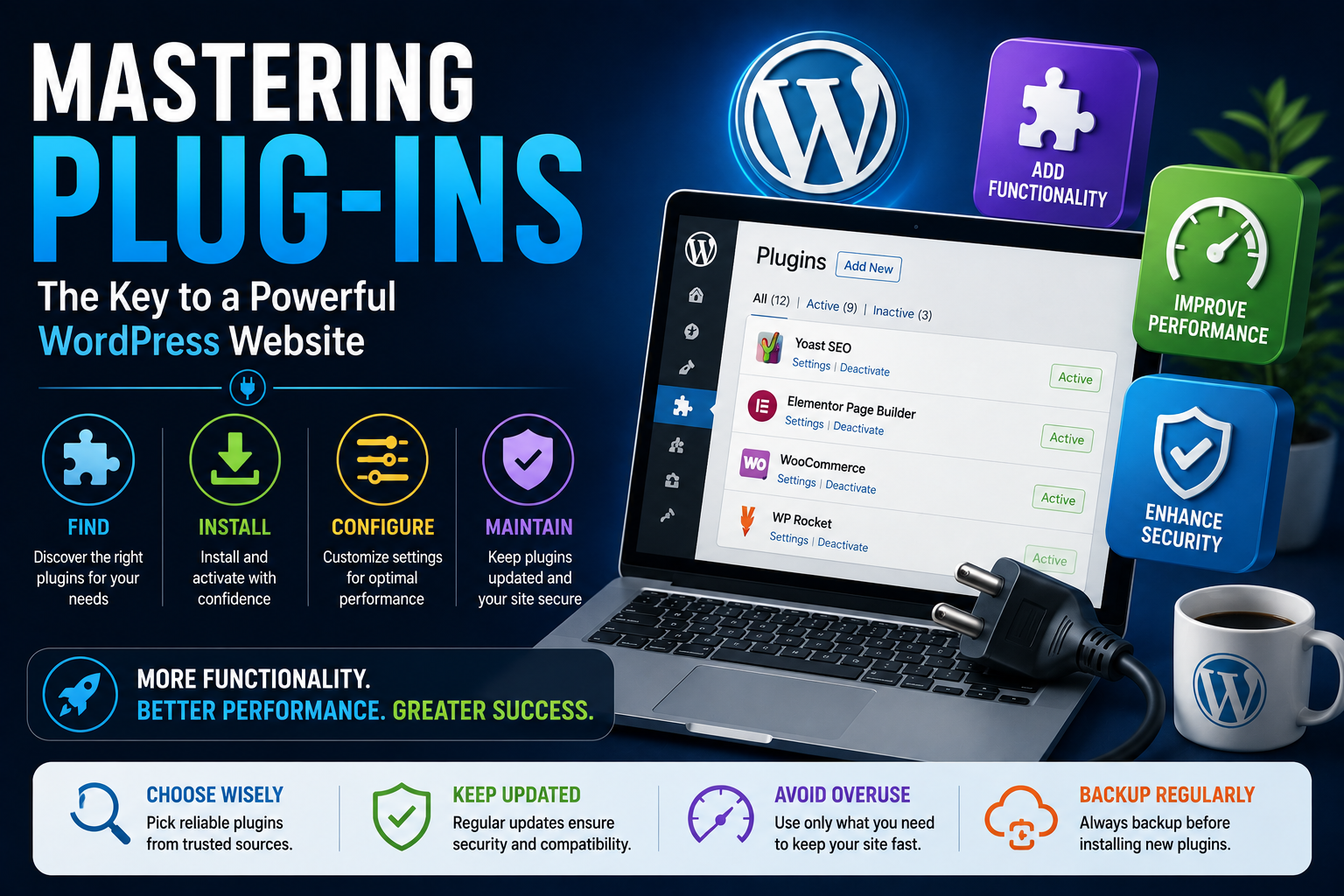
Approximately 80% of users rely on plug-ins to enhance their digital experiences, yet many are unaware of the full potential these tools offer. Plug-ins have become an integral part of software applications, providing additional functionalities that can significantly boost user experience and productivity. With thousands of plug-ins available, understanding how to effectively utilize them is crucial for beginners. The world of plug-ins is vast and varied, with applications spanning from web browsers and media players to graphic design and audio editing software.
Understanding Plug-ins
A plug-in is a software component that adds a specific feature to an existing software application. Plug-ins can enhance the functionality of a program, allowing users to perform tasks that would otherwise be impossible or impractical. They are typically designed to be modular, making it easy to install, update, or remove them without affecting the core application. This modularity is key to the versatility and customizability that plug-ins offer, catering to a wide range of user needs and preferences.
Core Plug-in Approaches
1. Choosing the Right Plug-in
Selecting the appropriate plug-in for a specific task can be overwhelming due to the sheer number of options available. It is essential to evaluate the plug-in’s compatibility, functionality, and user reviews to ensure it meets the required standards. A well-chosen plug-in can significantly enhance workflow efficiency and creativity.
- Strengths:
- Enhances application functionality
- Customizable to meet specific needs
- Often free or low-cost
2. Installing and Configuring Plug-ins
The installation and configuration process of plug-ins can vary significantly depending on the application and the plug-in itself. Generally, plug-ins are installed through the application’s interface or by downloading and installing them manually. Configuring plug-ins often involves setting preferences and options to tailor the plug-in’s behavior to the user’s needs.
- Strengths:
- Typically straightforward installation process
- Highly customizable
- Current Limitations:
- Compatibility issues with certain applications or operating systems
- Potential for security risks if not sourced from reputable developers
| Plug-in Type | Description | Examples |
|---|---|---|
| Productivity | Enhance workflow and efficiency | Project management, time tracking |
| Creativity | Support artistic and design tasks | Graphic design, audio editing |
What This Means in Practice
✔ Enhanced Productivity
By utilizing the right plug-ins, users can automate repetitive tasks, streamline workflows, and focus on more critical aspects of their work, leading to increased productivity and efficiency.
✔ Improved Creativity
Plug-ins designed for creative applications provide users with a wide array of tools and effects, enabling them to explore new ideas and express their creativity more effectively.
✔ Cost-Effectiveness
Many plug-ins are free or low-cost, offering a cost-effective way to extend the functionality of software applications without the need for expensive upgrades or new purchases.
✔ Customization and Flexibility
Plug-ins allow users to customize their software applications according to their specific needs and preferences, providing a high degree of flexibility and personalization.
✔ Community Support
Popular plug-ins often have active communities and forums where users can find support, share knowledge, and learn from each other’s experiences.
✔ Continuous Updates and Improvements
Plug-ins are frequently updated by their developers, ensuring that users have access to the latest features, fixes, and security patches, which helps in maintaining the integrity and performance of the application.
The Next 5 Years
- Increased focus on security and privacy features in plug-ins
- Greater emphasis on cross-platform compatibility
- Advancements in AI and machine learning integrated into plug-ins
- More cloud-based plug-in solutions for enhanced accessibility
- Growing demand for plug-ins in emerging technologies like VR and AR
- Development of more user-friendly plug-in management tools
What It All Means
Understanding and effectively utilizing plug-ins can significantly enhance user experience, productivity, and creativity. As technology continues to evolve, the role of plug-ins will become even more integral to software applications, offering endless possibilities for customization, innovation, and growth. The future of plug-ins holds much promise, with potential advancements in security, AI, and cloud technology set to further expand their capabilities and reach.